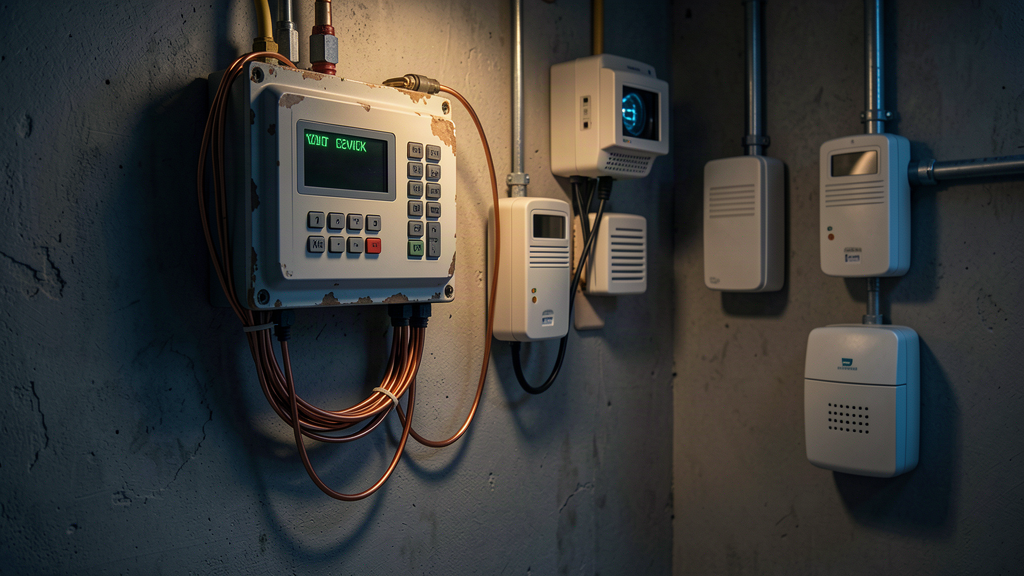
Ask most facility managers how many security devices on their property still talk over copper, and you'll get a confident number. Then you walk the building and find four more they forgot about.
That's the real problem with the copper sunset. It isn't the one alarm panel you know about — it's the burglar panel in the back office, the fire communicator in the riser room, the elevator phone, the gate controller, the panic button in the pharmacy. They all ride on the same aging copper, and the carriers have already started walking away from it.
Why the inventory is the step everyone skips
When a carrier announces a disconnection date, the instinct is to fix the panel you know about and move on. That's the trap. Copper doesn't fail one panel at a time. It fails one trunk at a time — and every device on that trunk goes dark together.
You can't protect what you haven't found. And most facilities haven't done a real sweep in years, if ever.
The panels hiding in plain sight
Here's what a proper inventory usually turns up, in addition to the main alarm panel:
Burglar alarm communicator. Often still on a dedicated POTS line that nobody's looked at since the panel was installed. It dials out fine — until the line is cut or the carrier stops repairing it.
Fire alarm communicator. This is the big one. NFPA 72 requires supervised communication paths, and a decaying copper line fails that requirement silently. The panel can't always tell the line is dying.
Elevator phones. Almost every code requires a two-way phone in the cab, and most still run on copper. Elevator techs and alarm techs each assume the other one owns it.
Panic and duress buttons. Common in healthcare, retail back offices, and any facility with a cash-handling function. They quietly share a copper pair with something else.
Gate and access control. Remote gates, parking structures, and perimeter doors frequently dial out over copper to a monitoring station or a central call handler.
Environmental monitoring. Temperature, water, and power-failure sensors in server rooms and mechanical spaces — still on copper in a surprising number of buildings.
That's five or six systems beyond the one you were thinking about. Each one has its own monitoring account, its own vendor, and its own copper dependency.
"The panel works" isn't the same as "the path is supervised"
This is the gap that gets people in trouble. A burglar panel can sit there for years dialing out on a copper line, and everything looks fine — until it doesn't. The difference between "working" and "supervised" is that a supervised path tells you it's dead the moment it dies.
Copper's old voltage-sensing supervision worked for decades. Modern IP and cellular communicators do it better — the monitoring station polls the communicator on a schedule and flags a trouble signal if it misses a poll. That's the standard you're migrating toward, and it's the standard you're leaving behind on every device still on copper.
Triage what you find
Not every device needs the same urgency. Sort your inventory into three buckets:
Life safety first. Fire communicators and elevator phones. These carry code requirements and life-safety consequences. Move them first, and don't cut a single corner on the supervision test.
Security next. Burglar, panic, duress, and access control. A failed path here is a coverage gap and a liability issue, even if no code mandates the upgrade.
Convenience last. Environmental monitoring and non-critical dialers. Still worth migrating, but you have more flexibility on timing.
The order matters because the carrier's sunset timeline doesn't wait for you to be ready. The devices in bucket one are the ones you can't afford to have fail the day the trunk gets cut.
Build a 90-day plan
Once you've got the list, the migration itself is straightforward:
- Confirm what each device actually connects to. Panel model, communicator model, and the physical path. If you don't know, get the vendor on site with a tone tester.
- Match the path to the risk. Life-safety devices get supervised dual-path (cellular + IP). Everything else gets at least one supervised path with a real backup.
- Coordinate the cutover with the monitoring station. This is the step that gets skipped and regretted. The station needs the new communicator's account and path info before you install, and you need a test window to run every signal type — alarm, trouble, supervisory, restore.
- Document it. File the test confirmation somewhere you can find it in three years when the AHJ asks.
The cost of not doing the inventory
The copper sunset isn't a hypothetical. The FCC's POTS forbearance orders let carriers stop maintaining copper, and they've taken full advantage — no new installs, no repairs after a threshold, and tariffs that punish staying. The trunk doesn't announce its retirement. It just stops getting fixed.
When it goes, every device on it goes with it. The inventory you do now is the difference between a coordinated migration and a Monday morning where your fire panel, your elevator phone, and your gate controller all report trouble at once.
If you're not sure what's still riding on copper across your buildings, start there. We help facilities inventory, triage, and migrate security-system communications before the copper makes the decision for them. Get in touch — we'll help you figure out what you have and what to do first.
About the author
Carter Dewey
Carter Dewey is CEO & Founder of TrustedNetworx, helping multi-site organizations navigate telecom modernization, POTS replacement, and AI-powered operations — translating complex infrastructure challenges into practical, phased migration roadmaps.