Most businesses don't think about their primary internet connection until it breaks. By then, the decision has effectively been made for them — they take whatever the fastest repair truck can deliver.
That's a terrible procurement strategy. Your primary connection determines everything: uptime, VoIP call quality, cloud application performance, and whether your team spends its mornings staring at spinning loading icons. Getting it right upfront is one of the highest-leverage telecom decisions you'll make.
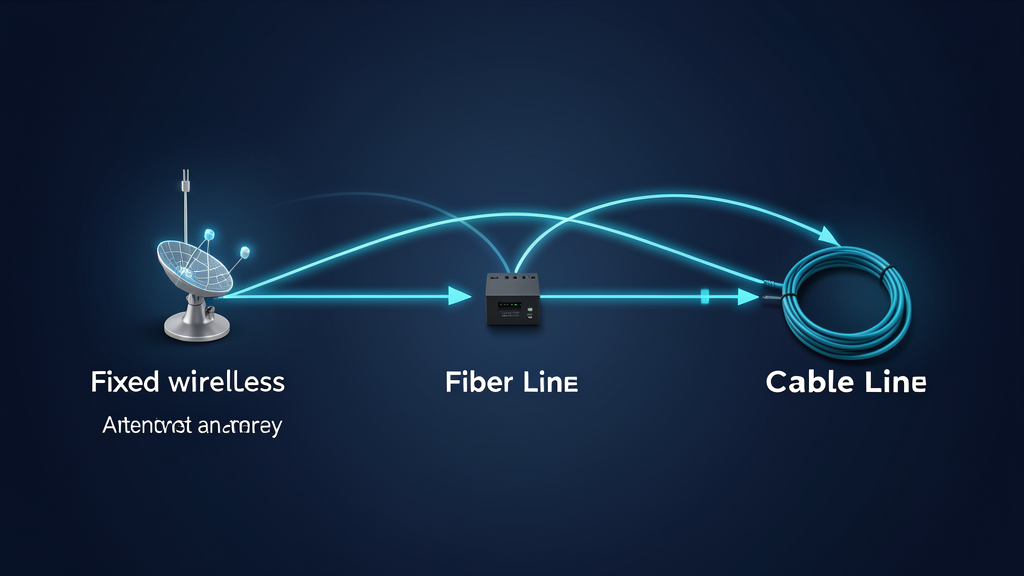
Here's how the three main options stack up, and how to decide what belongs at each of your locations.
Fiber: the gold standard (when you can get it)
Fiber delivers symmetrical speeds — meaning upload matches download — with latency measured in single-digit milliseconds. It's the only option that doesn't degrade significantly over distance. For most business applications, fiber is the clear winner when it's available at a reasonable price.
The catch: fiber availability is still surprisingly uneven. In dense metro areas, you've probably got multiple providers competing for your business. In suburban office parks, you might have one. In rural or industrial zones, you might have zero — or construction costs that run into five figures before the first month of service.
We've also seen buildings where fiber is technically "available" but the build-out timeline stretches past six months. If you're moving into a space next month, that's not availability — it's a promise.
Cable: the workhorse nobody respects
Cable internet — delivered over the same coaxial infrastructure that carries television — is the most widely available broadband option in the United States. Speeds have gotten genuinely good, with many business plans offering 500 Mbps to 1 Gbps downstream.
The limitations are real, though. Upload speeds are typically a fraction of download — 35 Mbps upstream on a 1 Gbps downstream plan isn't unusual. That asymmetry matters if you're running VoIP across multiple lines, uploading large files to the cloud, or hosting anything on-premises. Cable networks are also shared infrastructure, meaning performance dips during peak usage hours when everyone on your node is online.
For branch offices with modest needs — email, web apps, light VoIP — cable is often the pragmatic choice. It's available almost everywhere, installs fast, and costs less than fiber. Just don't make it your only connection if uptime matters.
Fixed wireless: the dark horse
Fixed wireless has improved dramatically in the last three years. Carriers are deploying it aggressively as they sunset legacy copper networks, and the technology has matured past its early-adopter awkwardness. Modern fixed wireless can deliver 100 Mbps to 1 Gbps with latency low enough for real-time applications.
The advantages are compelling. Installation takes hours, not weeks or months — a technician mounts a small antenna and you're online the same day. There's no trenching, no construction permits, no waiting for a carrier to pull fiber through a conduit that hasn't been touched since 1997. For locations where fiber is unavailable or cable is unreliable, fixed wireless fills the gap.
The trade-offs: performance depends on line-of-sight to the tower, and severe weather can impact signal quality. It's also a newer technology in the enterprise space, so SLAs and support structures aren't always as mature as what you'd get from a fiber provider.
How we evaluate connections at TrustedNetworx
We don't start with technology. We start with requirements.
How many users? A three-person sales office and a 200-person call center need fundamentally different connections. Don't overbuy for small sites, and don't underbuy for critical ones.
What applications are running? VoIP needs low jitter and symmetrical or near-symmetrical bandwidth. Video conferencing needs consistent throughput, not just peak speed. Cloud-based ERP systems need low latency. Map your applications to requirements before you evaluate providers.
What's your uptime threshold? If the connection drops for four hours, what happens? At some locations, the answer is "minor inconvenience." At others, it's "lost revenue." Define this honestly — it determines whether you need one connection or two, and how much you should spend on each.
What's actually available? We've seen too many RFPs written around fiber specifications for buildings where fiber doesn't exist. Check availability before you set requirements, not after.
The right answer is usually two
The most resilient setups we design use a primary connection — often fiber where available, cable or fixed wireless where it's not — with a diverse secondary connection from a completely different provider running on different infrastructure. If your fiber gets cut by a backhoe, your fixed wireless failover keeps you online. If a storm takes out the wireless link, you fall back to cable.
This isn't expensive compared to the cost of downtime. And with managed SD-WAN or similar routing, the failover happens automatically — your users never know the primary connection dropped.
Need help evaluating what's available at your locations? We run free telecom audits for multi-site businesses. Let's talk.
About the author
Carter Dewey
Carter Dewey is CEO & Founder of TrustedNetworx, helping multi-site organizations navigate telecom modernization, POTS replacement, and AI-powered operations — translating complex infrastructure challenges into practical, phased migration roadmaps.